22 Sep 2025 — 4 minute read
I'd like to introduce Kiwi, my side project really, and a planned high-performance general-purpose modern operating system. Kiwi will be designed with portability in mind from an early point in its development but will primarily be written for the x86_64 architecture. Future plans may include an Arm64 port.
Kiwi’s idea is actually largely based around luxOS, an older side project I worked on up until late last year or so, but without the design and implementation oversights. Kiwi is another attempt at achieving those goals but in a cleaner, more efficient, and more maintainable way. This blog will be used to document this process, emphasizing the things I've learned and am doing differently rather than just being a devlog.
Some of Kiwi’s goals are to build a modern, general-purpose, and high-performance OS entirely from scratch, including a custom boot loader, kernel, libc, drivers, and userland. Many of these goals are shared with luxOS, and so the known bottlenecks and shortcomings from the latter will be used as sources of inspiration in this project, in the sense that they can deliberately be avoided or addressed.
One of the first things I wanted to change about luxOS was the boot loader and file system. luxOS used a custom boot loader and custom file system; the latter is really just a 64-bit FAT with Unix-like inode structs added to it. That part is a little off-topic and I’ll save that for another post about my file system project.
luxOS’s boot loader was clunky and hacky, and honestly it’s something I wasn’t too happy with. It worked and got the job done, but it was just so ugly to me. That aside, I also always had this idea of building my own boot manager from scratch someday, with an interactive boot menu that makes me nostalgic for the Windows Boot Manager in the Vista/7 era. And so that’s quite literally what I did over the past week or so.
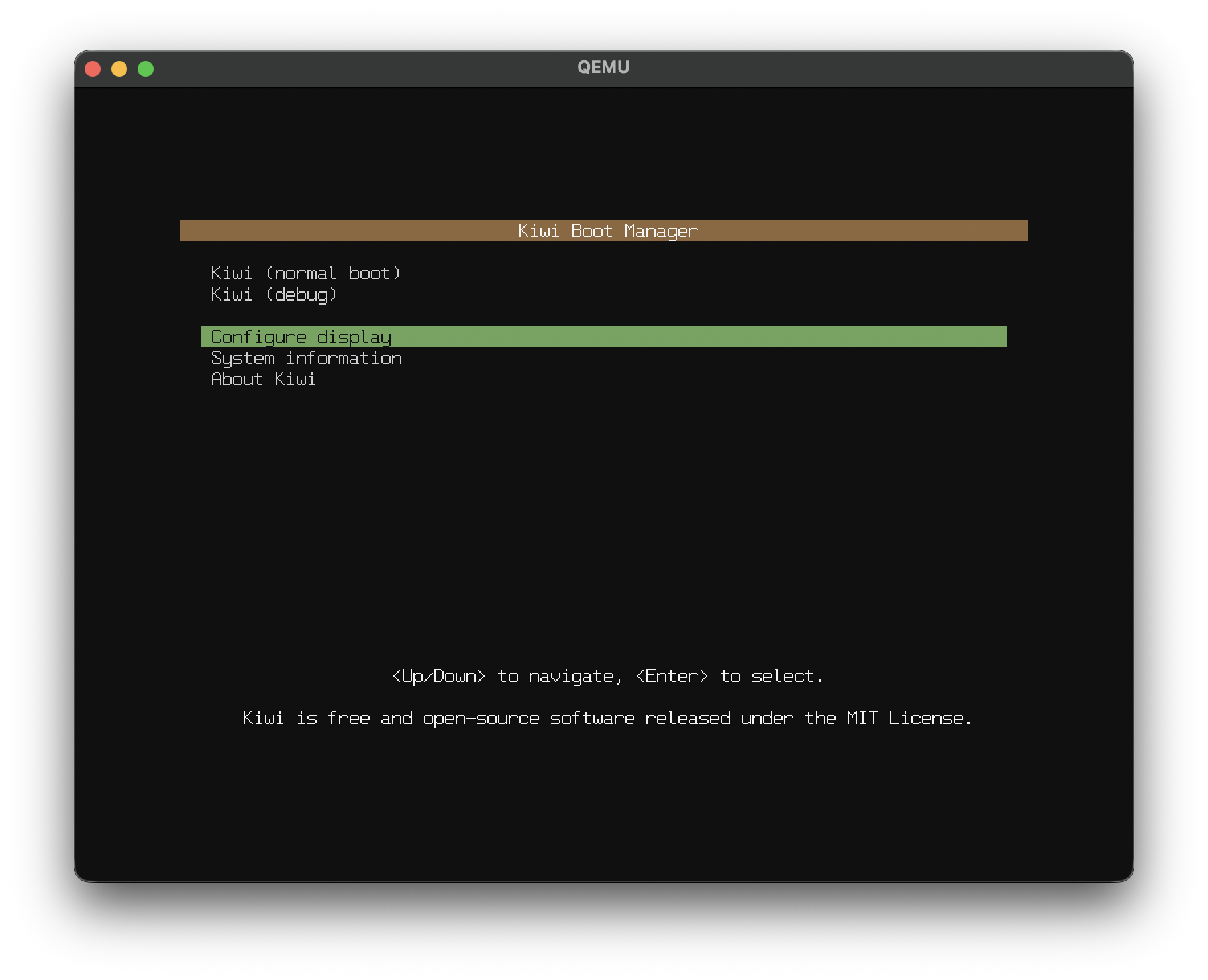
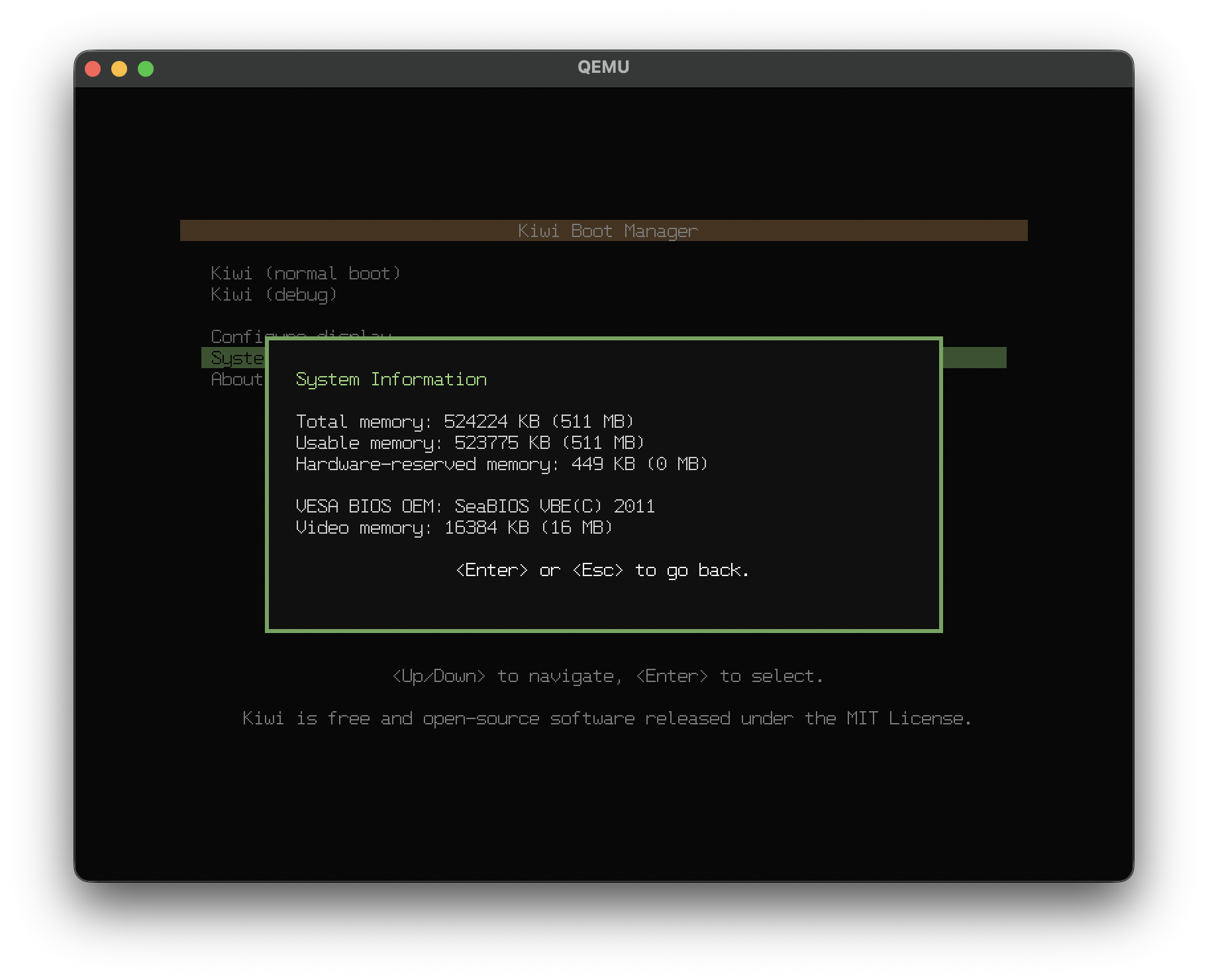
As we can see here, the boot loader now has a boot menu. We can also use it to view system info:
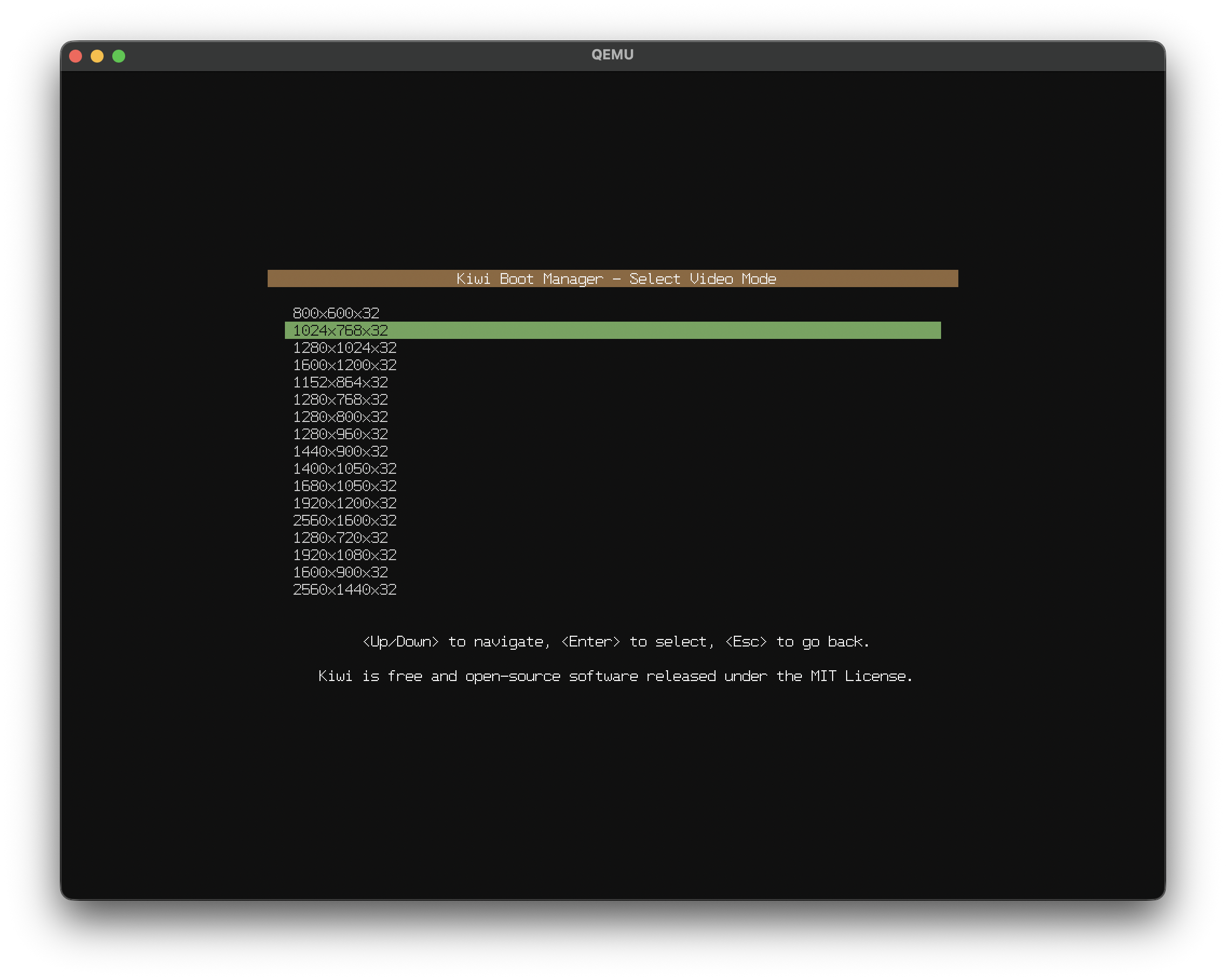
And even change the screen resolution:
Kiwi’s boot manager supports ext2, and as I separately progress with my file system project, it will support that as well. For this reason, it will be designed to be file system-agnostic, with read-only mini “drivers” for each file system to be supported, so that in the distant future I may add FAT or other file system support too.
It also uses BIOS for all I/O, including setting high resolutions, reading from storage, and reading from the keyboard. It does so by switching to a short 16-bit real mode wrapper written in assembly temporarily from the main 32-bit protected mode C code. BIOS is the firmware that PCs have used since the 80s or so, and so as you can imagine, they’re pretty primitive due to them being backwards compatible for basically as far back as it goes.
For that reason, there’s obviously not a ton of resources or services available to us at this primitive stage where we need to make sure everything is accessible from “low” memory (below ~1 MB, because this is where BIOS requires everything to be.) So, we are going to use what little we have to just load the kernel into memory, and then enable full 64-bit mode, get a practically unlimited address space, and never look back.
We'll need to read the ext2 volume, and we'll also need to parse the kernel's ELF binary. But it'll totally pay off, because next time, we’ll be in kernel land, and honestly for lack of a better way of saying this, we will basically have unlimited power over everything. We’re just getting started.
// EOF — Made with 🥝 by jewelcodes.io